Presenting my custom Ghost Theme
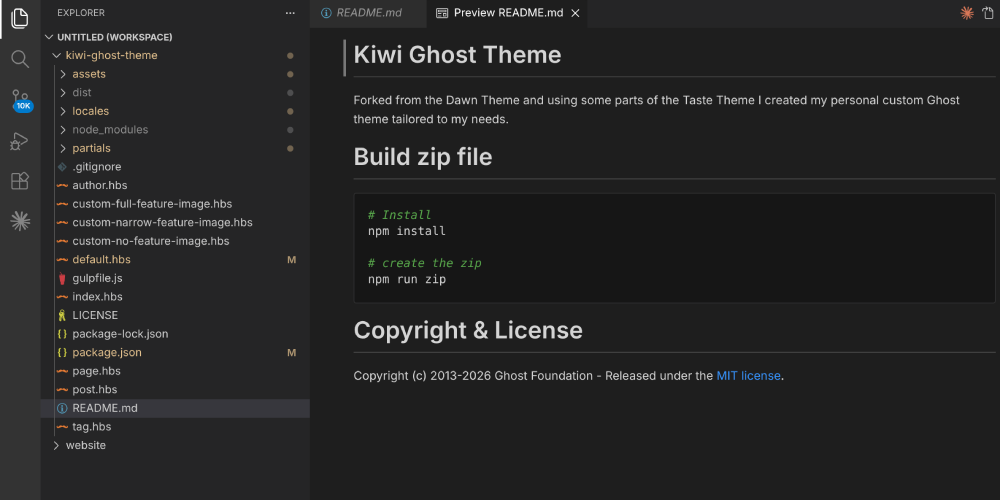
This site runs on Ghost. Ghost is an open-source web and blog hosting software. It offers many themes to customize the look of the page. None of the existing themes fit what I had in mind, so I decided to customize an existing theme to tailor it to my needs. I gave it the name kiwi. It's a fork of Ghost's official Dawn theme, I borrowed some ideas from Taste, and then added my own personal ideas.
The source is on GitHub: lor-enz/kiwi-ghost-theme
The base: Dawn + Taste
Dawn is Ghost's clean, minimal publication theme. What was missing for me were elements that make it a portfolio website. I envisioned a welcoming homepage that tells the user about me. The hero section was not fleshed out enough.
Taste is Ghost's recipe-oriented theme. It takes a different approach to the hero: it shows a Title and short description front and center.
Kiwi keeps Dawn's HTML structure and layout system but replaces the hero content with Taste's personal-site philosophy. I added outgoing links to GitHub and LinkedIn as Chips making the theme more portfolio oriented. Even though I'm the only user, the content is dynamic: Things like hero_name, hero_tagline, github_url andlinkedin_url don't require a theme update to change.
Particles
The most visible addition is an animated particle background in the hero section, built with particles.js. Dots float slowly across the background and scatter away from your cursor or finger.
I made adjustment to make it compatible with touch and not just mouse movements, and also made it dark-mode compatible.
Featured post cards
The featured posts section on the home page got a card treatment: a subtle border (matching the style of the social chip buttons), slightly rounded corners, a hover effect, and equal-height cards across a row regardless of title length. The equal height is handled with flexbox on the owl carousel's stage element. I also fixed a padding issue where the cards move towards the very edge of the screen when scrolling instead of being cut-off by padding.
On mobile, the carousel shows a single card at a time. In order to make sure users know they can swipe left and right I let the next card peek onto the screen and also: Dot indicators below the cards.
Tables
Ghost's default table styles are not stylized at all. Typical border lines and a buggy scroll-shadow gradient that breaks on dark mode. Kiwi replaces the whole table style: no borders, alternating row backgrounds using existing dark-mode-aware CSS variables, and a slightly more prominent header row.
Theme on GitHub
All the code is open source: github.com/lor-enz/kiwi-ghost-theme.